Shipping guide
Limit orders per day on Shopify or move the ship date when you are full?
Compare daily sales limits with production capacity scheduling on Shopify, including how item quantities affect the next available ship date.
Decide whether you want to stop sales or move the promise
“Limit orders per day” can describe two different needs. A bakery taking collection slots may need to close a day to further bookings. A workshop selling custom products may prefer to keep accepting orders while offering a later ship date.
A hard sales cap rejects or prevents additional purchases after a threshold. Capacity scheduling allocates work to available days. Neither is automatically better; choose the behavior that matches the service you are selling.
We make ShipNoDrama, which follows the scheduling approach. Its product-group daily limits move new work to a day with room. It is not a checkout order-count limiter, customer quantity restriction or delivery-slot booking system.
Count the work in the right units
Ten orders and ten items are not interchangeable. One order might contain three custom pieces, while another contains one. A per-order cap can therefore hide a much larger production commitment.
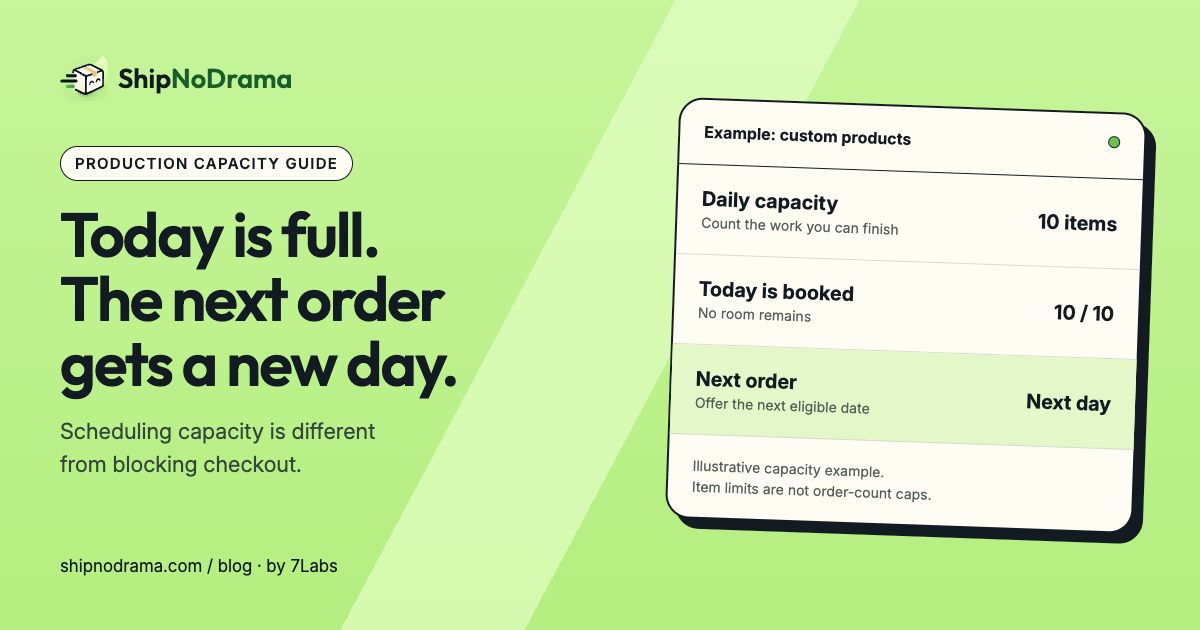
Write the capacity statement in operational terms: “We can finish ten items in this product group per day.” In ShipNoDrama’s group capacity, item quantities matter. Test a multi-quantity cart before relying on a number that your team thinks of as orders.
Keep inventory separate from production capacity. Stock says what is available; capacity says how much work fits in a period. Changing stock to imitate a daily capacity limit can produce the wrong availability message and requires its own replenishment process.
A full day should change the next available date
Imagine a group that can finish ten personalized pieces a day. Ten pieces already occupy the next eligible day. A new order needs two more pieces.
- Count the two pieces in the relevant group.
- Check the calendar after preparation and any release date.
- Find a day that satisfies the group’s capacity rules.
- Show that resulting date before purchase.
- Keep fulfillment aligned with it after the order is placed.
Do not assume how an app handles an order larger than one day’s capacity. Try that exact quantity in its simulator and review whether work or shipment stays together. Your customer promise needs to match the tested behavior.
Show the next available day instead of a vague backlog
“Ships in three to four weeks” can become stale as demand changes. A calendar-based date is more useful when it reflects the work already booked and the days you are closed.
Daily limits in ShipNoDrama require an eligible plan. Confirm the feature is active, then test a nearly full day, a full day, a large quantity and a mixed cart. A manual change to an existing order is a separate operational decision; do not assume every earlier customer automatically gets a different date when you edit capacity.
Common questions
Will ShipNoDrama stop the eleventh customer checking out?
No. Its capacity feature schedules work and ship dates. If you need checkout blocked after a sales threshold, choose a tool designed for that job.
Can I use quantity limits instead?
A per-cart quantity limit controls one purchase, not cumulative daily work across customers. Treat it as a separate rule.
Start with the calendar in the setup guide and the made-to-order workflow.