Shipping guide
How to set realistic shipping dates for made-to-order products on Shopify
Build made-to-order ship dates from working days, preparation time and daily limits, then keep the customer promise aligned with fulfillment.
Start with the days your team actually works
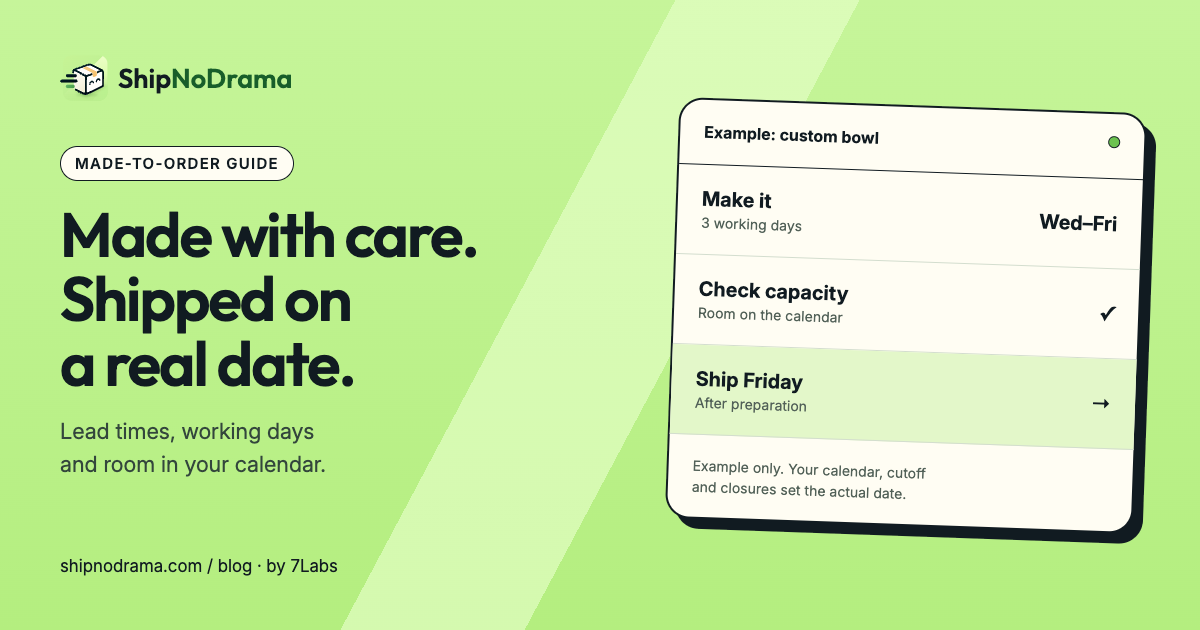
A made-to-order candle, custom bowl or printed shirt is not ready because a payment arrived. It is ready when the work is finished. Start with your production calendar, rather than the speed of the carrier.
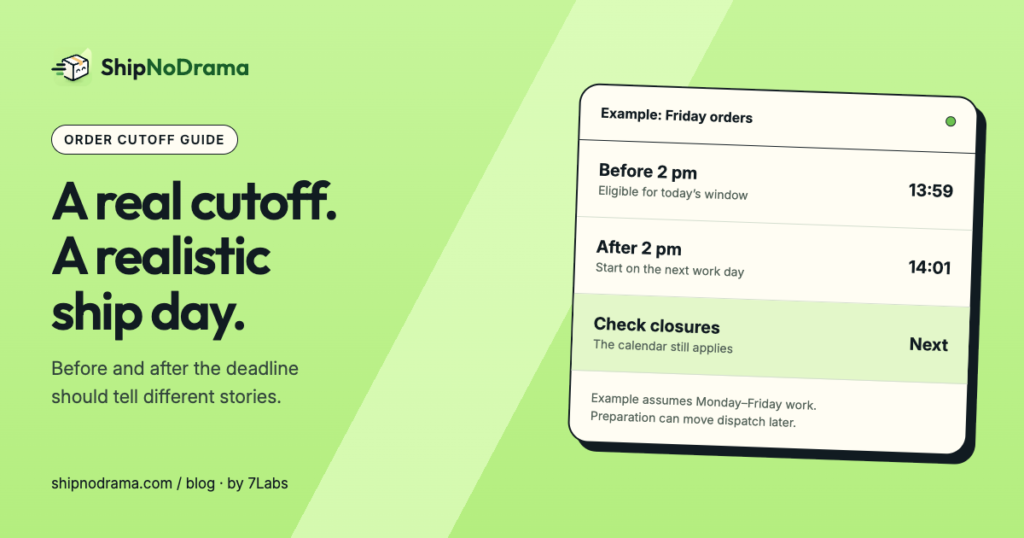
Write down your work days, parcel collection days, order cutoff and planned closures. Work days and ship days can differ: you might make products on Friday but hand parcels to a carrier only Monday through Thursday.
Use the store’s operating time zone. A customer in another country should not change when your team closes for the day.
Set preparation time by product group
Group products that follow the same production process. A ready-made accessory may need no extra preparation; a custom product may need several working days. Keep those rules separate so a ready item does not inherit a long lead time unnecessarily.
In ShipNoDrama, product groups can match products by SKU, product type, tag or vendor. Set the group’s preparation days, then try a cart to see the resulting ship day. A preorder release date is a different condition: use it when an item cannot leave before a known date.
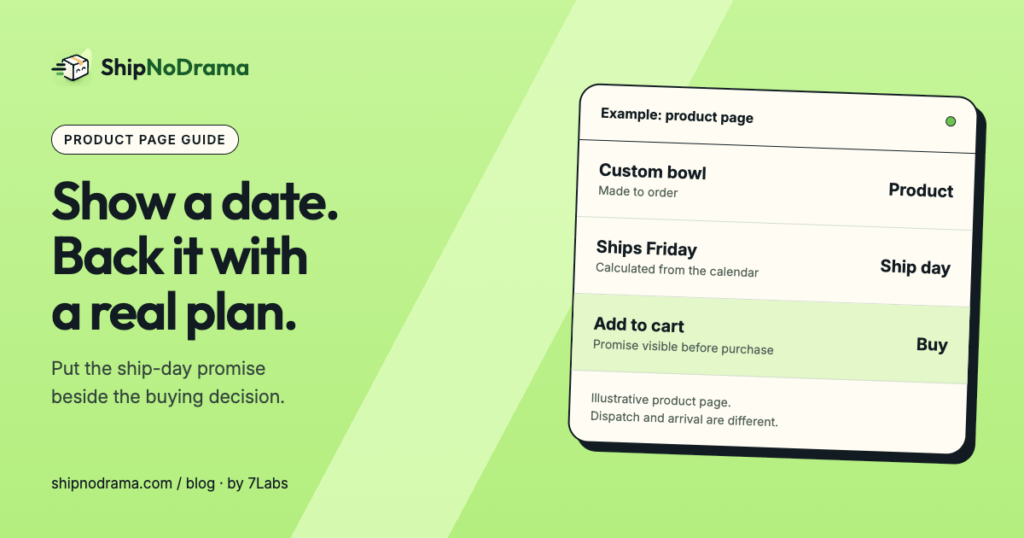
Be explicit about what the date means. “Ships November 6” describes dispatch. It does not mean “arrives November 6.” Add a carrier transit estimate only when you have a suitable service and destination.
A full production day changes the next order’s date
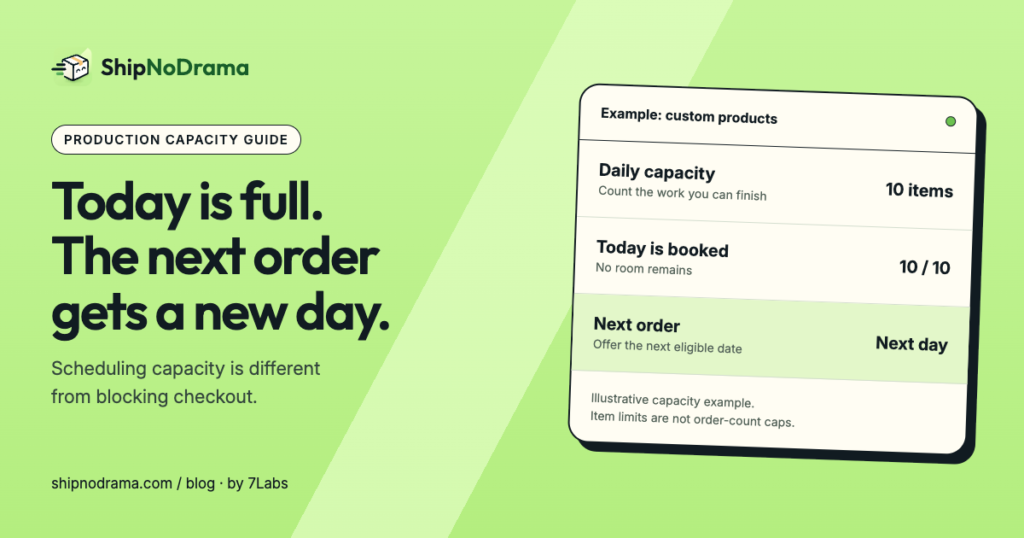
A workshop that can finish ten custom items a day should not promise the same day to the eleventh item. Daily capacity moves new work to the next day with room.
Use a limit grounded in what your team can finish. Include the time needed to check and pack the item. In ShipNoDrama, daily limits are available on eligible plans; confirm the feature is active before relying on it for customer promises.
Closures matter too. If the next available day is a holiday, the order needs another working day. Review the calendar when staffing or carrier collection changes.
Choose a policy for ready and made-to-order items
A mixed cart needs a deliberate decision. If everything ships together, the slowest item sets the order’s ship day. If ready items ship first, your fulfillment workflow must support separate shipments and the customer should understand what happens next.
Test both a single-product cart and a mixed cart. Separate Shopify shipping profiles or collection-based options can affect checkout charges independently of the ship-day calculation.
Keep the visible date and fulfillment workflow aligned
A product-page promise alone does not stop a packing team or external warehouse from sending an order early. Shopify fulfillment holds are the mechanism that can keep a supported fulfillment waiting until it is ready.
ShipNoDrama places and releases its own holds. It leaves holds from Shopify, staff and other apps alone. Third-party fulfillment services have different workflows; check the app’s documented limitations before relying on holds there.
- Try your calendar and product rules in a sample cart.
- Check a before-cutoff and after-cutoff order.
- Test a full-capacity day and a closure.
- Compare product-page dates with checkout estimates.
- Verify the order is held and released as intended.
Selling products before stock arrives? Read the preorder fulfillment hold guide. Follow the setup guide for the exact app controls.