Shipping guide
Shopify order cutoff time: set a last order time your team can meet
Set an order cutoff that fits your working days and carrier pickup, then test before-cutoff, after-cutoff and weekend orders in your Shopify store.
Order cutoff and carrier collection are different times
Your carrier might collect parcels at 4 pm, but that does not mean a new order at 3:59 pm can leave with them. Your team still needs time to review, prepare and pack it.
The order cutoff defines the last entry into today’s processing window. Carrier collection is the later operational handoff. Choose a cutoff that leaves enough room between the two, then describe exactly what it controls: eligibility for processing today is not a promise that every product will ship today.
Shopify’s native delivery-date calculations and third-party apps can use different calendars and cutoff assumptions. Changing a date in an app does not necessarily change every shipping option in checkout.
Test one order just before and one just after
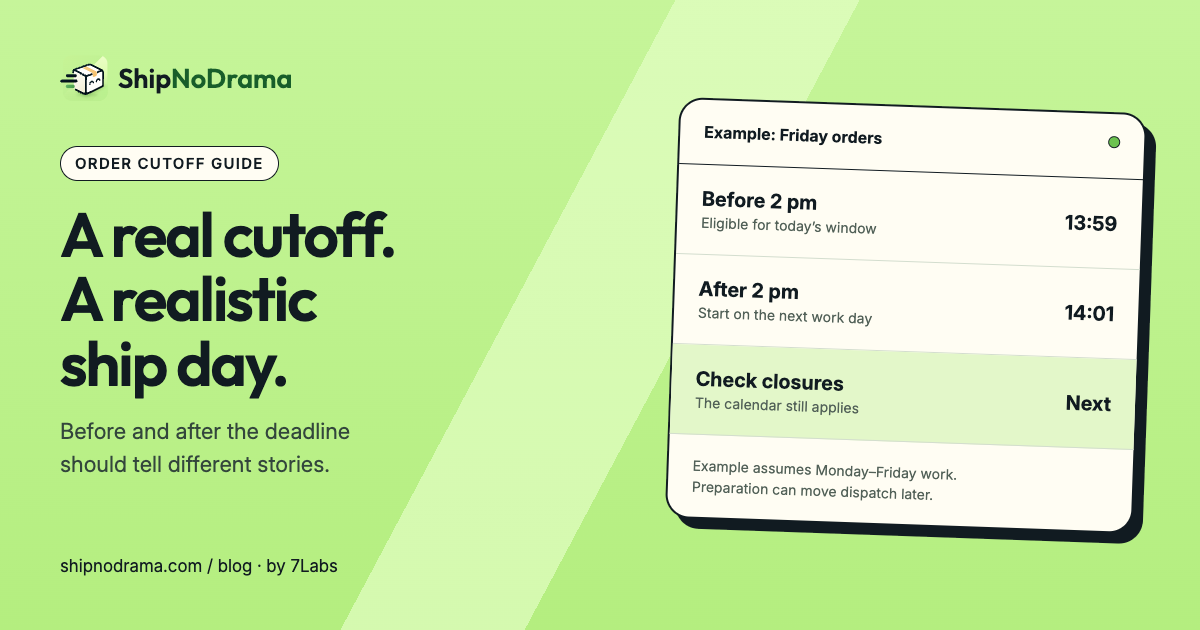
Suppose you work and dispatch Monday through Friday, have no closures, and use a 2 pm order cutoff. A ready product with no additional preparation can be eligible for Friday’s window when ordered at 1:59 pm. An order at 2:01 pm starts from the next eligible working day, Monday.
This is an example of the rule, not a universal Shopify calculation. A product needing preparation, a full production day or a Monday closure can move the ship date later.
| Test | What to confirm |
|---|---|
| Friday, before cutoff | The item can actually be prepared for the intended handoff |
| Friday, after cutoff | The starting point moves past the cutoff |
| Weekend order | The next working day is used |
| Closure on Monday | The rule moves past that closure too |
Make the calendar agree with the clock
Set the time zone to the location running the work. A shopper’s location should not silently change when your workshop stops accepting work for the day.
Keep work days and ship days separate if they differ. You may prepare orders on Friday but dispatch only Monday through Thursday. A cutoff cannot create a Friday carrier collection that does not exist.
We make ShipNoDrama. In its ship-day settings, the last order time feeds the same calendar used for product promises and order holds. Product preparation, preorders and capacity add their own conditions. Try a representative cart after each calendar change.
Make the countdown describe a rule you can honor
“Order within two hours” is useful only if the action changes the customer’s outcome. Avoid a timer that resets endlessly or implies an arrival guarantee when it merely marks the end of a processing window.
Check the countdown before and after the cutoff, on a closed day, and with a product that takes longer to prepare. Review any other app showing a timer or date on the same product so customers do not see two incompatible promises.
Common questions
Does setting a cutoff guarantee same-day shipping?
No. The item must also satisfy preparation, capacity, stock availability and dispatch-day rules. The cutoff is one input.
Which time zone should the message use?
Use the business location’s operating time zone and make the policy clear. Verify how any native Shopify estimate or other app handles its own time zone.
For longer product preparation, see made-to-order shipping dates.