Shipping guide
Shopify preorder fulfillment holds: keep orders from shipping too early
Learn how fulfillment holds support preorder shipping dates, what happens with mixed orders, and which checks matter before an automatic release.
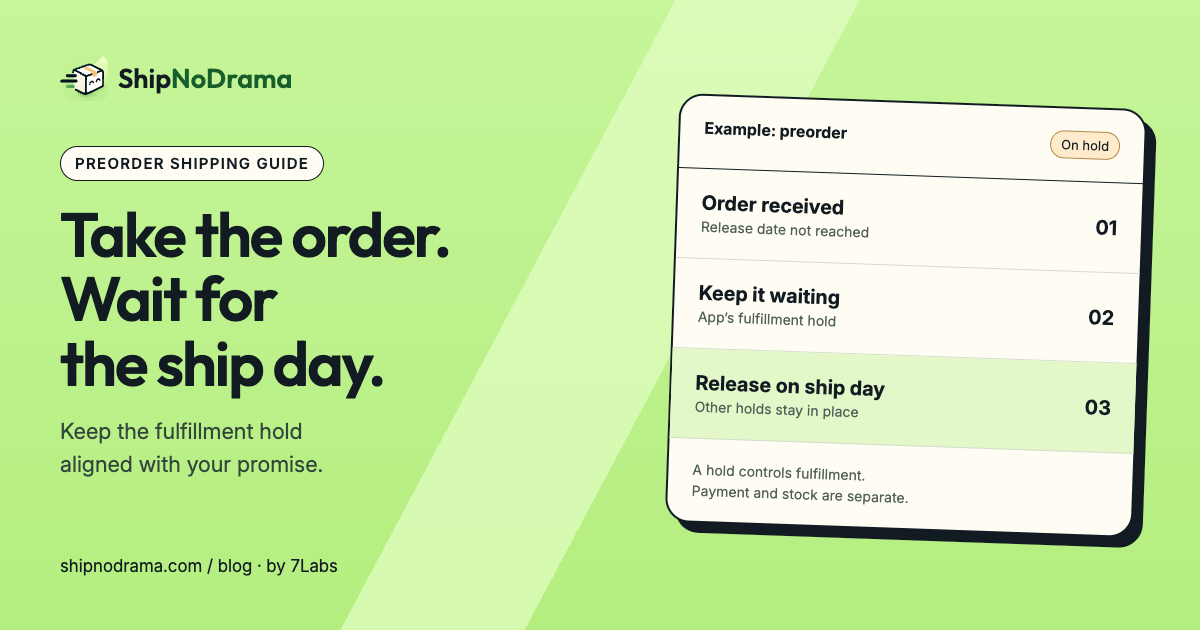
A hold controls fulfillment, not payment or stock
Preorders combine several jobs: letting the customer buy, deciding when to collect payment, setting a release date and preventing early fulfillment. A fulfillment hold handles the last of those jobs.
Shopify can place a fulfillment on hold until an issue is resolved or a future release is ready. More than one hold can exist on the same fulfillment. Releasing one hold does not mean every other hold has cleared.
ShipNoDrama manages ship dates and its own fulfillment holds. It does not provide preorder deposits, payment plans or a replacement for inventory configuration. Your product still needs to be available for sale in Shopify.
Turn the release date into a practical ship day
The first day stock is available may not be a day your team ships. A Friday release with Monday-through-Thursday dispatch should move to the next eligible ship day. Preparation, closures and capacity can move it further.
Set the release date on the preorder product group, then test the date against your calendar. Show customers when the parcel can leave, and keep carrier transit time separate when estimating delivery.
A release date is a planning input, not evidence that stock arrived. If supply is uncertain, use a manual review process and update customer promises when the situation changes.
Decide how a preorder affects the rest of the cart
If you ship the whole order together, a ready item waits for the preorder. State that policy where customers can see it before checkout. If you send ready items first, verify the split workflow and shipping charges.
An order can have multiple fulfillments, often because products come from different locations. Shopify’s overall order status can therefore look different from one fulfillment’s hold status. Inspect the actual fulfillment, not just the order’s headline label.
Know what releasing a hold does
Releasing a hold makes that fulfillment eligible to continue when no other hold blocks it. It does not buy a label, pack the parcel or confirm that the carrier collected it.
ShipNoDrama releases the holds it owns. Fraud holds, staff holds and other apps’ holds remain. If staff release the app’s hold manually, the app respects that intervention.
Orders already being packed, local pickup and orders managed by a separate fulfillment service need special attention. Check the merchant guide before using the app for those workflows.
Before you turn automatic release on
- Confirm the product can be purchased with your intended Shopify inventory settings.
- Test the release date, cutoff, closures and daily capacity.
- Place a representative test order and inspect the fulfillment hold.
- Check a mixed cart with a ready product.
- Review native checkout dates and other date apps for conflicting promises.
- Have a process to tell customers when the planned day changes.
For the customer-facing wording, see processing time vs shipping time. A clear preorder promise connects the customer-facing date with the team’s packing workflow. Test both sides before opening a preorder launch.